
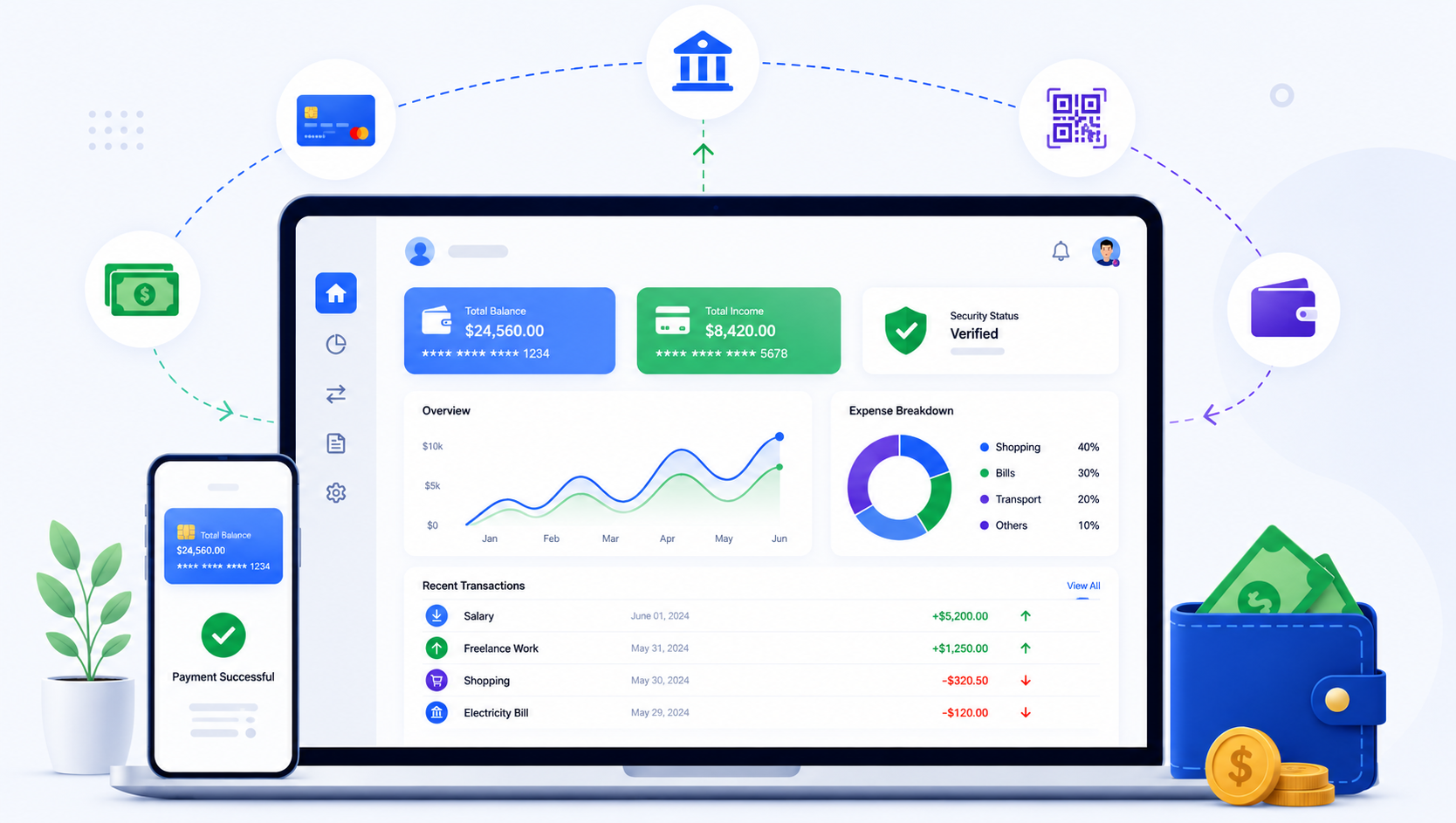
Building a marketplace application in 2026 requires a reliable and scalable payment system. If you're working with Laravel, integrating stripe connect laravel is one of the best ways to handle multi-vendor payments efficiently.
Stripe Connect allows you to split payments, onboard vendors, and manage transactions securely. In this guide, we’ll walk through how to integrate Stripe Connect into a Laravel marketplace with practical steps and real-world considerations.
Quick Summary
- Stripe Connect enables multi-vendor payments
- Supports account onboarding and payout splitting
- Laravel integration is straightforward with APIs
- Secure and scalable for marketplace apps
- Ideal for SaaS and e-commerce platforms
What is Stripe Connect?
Stripe Connect is a payment solution designed for platforms and marketplaces that need to handle payments between multiple parties.
- Allows vendor onboarding
- Supports payment splitting
- Handles payouts automatically
- Provides secure transaction processing
Marketplace Payment Flow
In a typical Laravel marketplace:
- Customer makes a payment
- Platform receives the payment
- Amount is split between vendor and platform
- Vendor receives payout
👉 Key components:
- Platform account
- Connected accounts (vendors)
- Payment intents
Setting Up Stripe in Laravel
Install Stripe Package
composer require stripe/stripe-phpConfigure Environment
Add keys to .env file:
STRIPE_KEY=your_key
STRIPE_SECRET=your_secret
Creating Connected Accounts
You need to onboard vendors using Stripe Connect.
\Stripe\Stripe::setApiKey(env('STRIPE_SECRET'));

$account = \Stripe\Account::create([
    'type' => 'express',
]);
Handling Payments
Create a payment intent and transfer funds.
$paymentIntent = \Stripe\PaymentIntent::create([
    'amount' => 10000,
    'currency' => 'usd',
]);
Splitting Payments
Use destination charges to split payments.
\Stripe\Charge::create([
    'amount' => 10000,
    'currency' => 'usd',
    'destination' => $accountId,
]);
Security Best Practices
- Use HTTPS for all transactions
- Validate all payment data
- Store sensitive data securely
- Use Stripe webhooks for verification
Integration Checklist
- Setup Stripe account
- Configure API keys
- Create vendor accounts
- Implement payment flow
- Test transactions
- Enable webhooks
Real Case Study
A marketplace startup implemented Stripe Connect with Laravel to handle multi-vendor payments. By using Express accounts and automated payouts, they reduced manual payment handling and improved transaction reliability.
The integration was completed in 2 weeks and scaled easily as more vendors joined the platform.
FAQ
Q1: What is Stripe Connect used for?
It is used for handling multi-vendor payments in marketplaces.
Q2: Is Stripe Connect secure?
Yes, it provides secure and compliant payment processing.
Q3: Can I use Stripe Connect with Laravel?
Yes, using Stripe APIs and packages.
Q4: How long does integration take?
Typically 1 to 3 weeks depending on complexity.
Conclusion
Stripe Connect is a powerful solution for building scalable marketplace payment systems in Laravel. With proper integration and security practices, you can create a seamless payment experience for both users and vendors.
CTA
Planning a marketplace platform? Get a 30-minute free consultation to integrate Stripe Connect into your Laravel application.