Flutter App Development

Flutter App Development Services for iOS and Android From One Codebase

We build Flutter apps for products that need one branded experience on iPhone and Android, owned by a single team: customer apps, rider and staff companions, fintech and SaaS mobile clients, shipped with the API they run on.

One Dart Codebase

Shared screens, business logic and tests for iOS and Android, with platform code only where it is needed.

App Takeovers

Version upgrades, state management cleanup and release fixes for Flutter apps another team started.

Backend Included

We build or connect the REST API, auth, push notifications and payments the app depends on.

Store Releases

TestFlight, Play Console testing tracks, signing and review submissions handled for you.

About The Service

What Flutter development with SofttechOver covers

Flutter compiles one Dart codebase to native iOS and Android apps and renders its own UI, which makes it a strong choice when the brand experience must look identical on both platforms and a single team should own the roadmap.

Our work covers UX and UI design, the Flutter app itself, the backend it talks to (often a Laravel REST API), integrations such as maps, push notifications and payments, and the release work in App Store Connect and Google Play Console.

final ordersProvider = FutureProvider.autoDispose<List<Order>>((ref) {
  final api = ref.watch(apiClientProvider);
  return api.fetchOrders(status: OrderStatus.active);
});

class OrdersScreen extends ConsumerWidget {
  const OrdersScreen({super.key});

  @override
  Widget build(BuildContext context, WidgetRef ref) {
    return ref.watch(ordersProvider).when(
      data: (orders) => OrderList(orders: orders),
      loading: () => const OrderListSkeleton(),
      error: (e, _) => RetryView(onRetry: () => ref.invalidate(ordersProvider)),
    );
  }
}

Explicit state management (Riverpod, Bloc or Provider, chosen per project) keeps loading, error and retry states predictable on every screen.

Business Benefits

Why teams choose Flutter for cross-platform apps

One Team, Two Stores

Features, fixes and releases ship to iOS and Android together instead of drifting apart across two codebases.

Pixel-Consistent Branding

Custom components, animations and themes look the same on every device because Flutter does not depend on OEM widgets.

Fast UI Iteration

Hot reload applies UI changes to the running app without a restart, so design review rounds on real screens take less time.

Room to Expand

The same codebase can later target web or desktop for admin or kiosk use where that makes sense for the product.

Our Services

Flutter development services we deliver

New Flutter apps for iOS and Android, from UX wireframes to store-ready builds.

Companion apps for riders, drivers, field staff or vendors that share one backend with the customer app.

Laravel REST API development, JWT or OAuth sign-in and role-based access for the app.

Maps and live location, Firebase push notifications, Stripe and in-app payments.

Native SDK integration through platform channels when a plugin does not exist yet.

Takeover, Flutter version upgrades and performance fixes for existing Flutter apps.

Best Fit

Built for apps where one product has several user roles on mobile.

Typical projects are a customer app plus a driver, rider or staff app on one shared API, fintech and personal finance apps, and mobile clients for existing SaaS platforms.

If you already have a Flutter app, we also take over maintenance, upgrade old Flutter and Dart versions, and clean up state management.

Framework Comparison

Flutter vs React Native vs native: which fits your app?

All three can produce a good app; the right choice depends on your team, your UI and how deeply you rely on platform features. See how the options compare on our React Native app development, Android app development and iOS app development pages.

Choose Flutter when

You want one codebase, a heavily branded custom UI that must match across platforms, and no existing React or JavaScript team to reuse.

Choose another route when

Your team already ships React (React Native shares skills and code), or the app relies on the newest OS features, widgets or wearables (native Swift/Kotlin).

Development Process

How we build and release Flutter apps

Every project runs in short sprints with installable builds you can test on your own phones from the first weeks. Need developers inside your own team instead? See hire Flutter developers.

Roles, Flows & Scope

User roles, core flows, integrations and platform requirements are mapped into a prioritized feature list for the first release.

UX & Design System

Wireframes and a Flutter-ready design system (colors, type, components) so screens are built from shared widgets.

App Architecture

Feature-based folders, state management, routing and build flavors for dev, staging and production.

API & Integrations

Backend endpoints, authentication, push notifications, maps and payments built and tested against the app.

Testing & QA

Unit and widget tests for core logic, plus device testing on real iOS and Android hardware before each release.

Store Release & Support

Signing, TestFlight and Play testing tracks, store listings and review submissions, then updates for new OS versions.

Work Showcase

Flutter apps we have built

Selected Flutter projects with the modules each one delivers. Open a project for the full case study.

  • Ordering & checkout
  • Rider workflow
  • GPS tracking
  • Push notifications
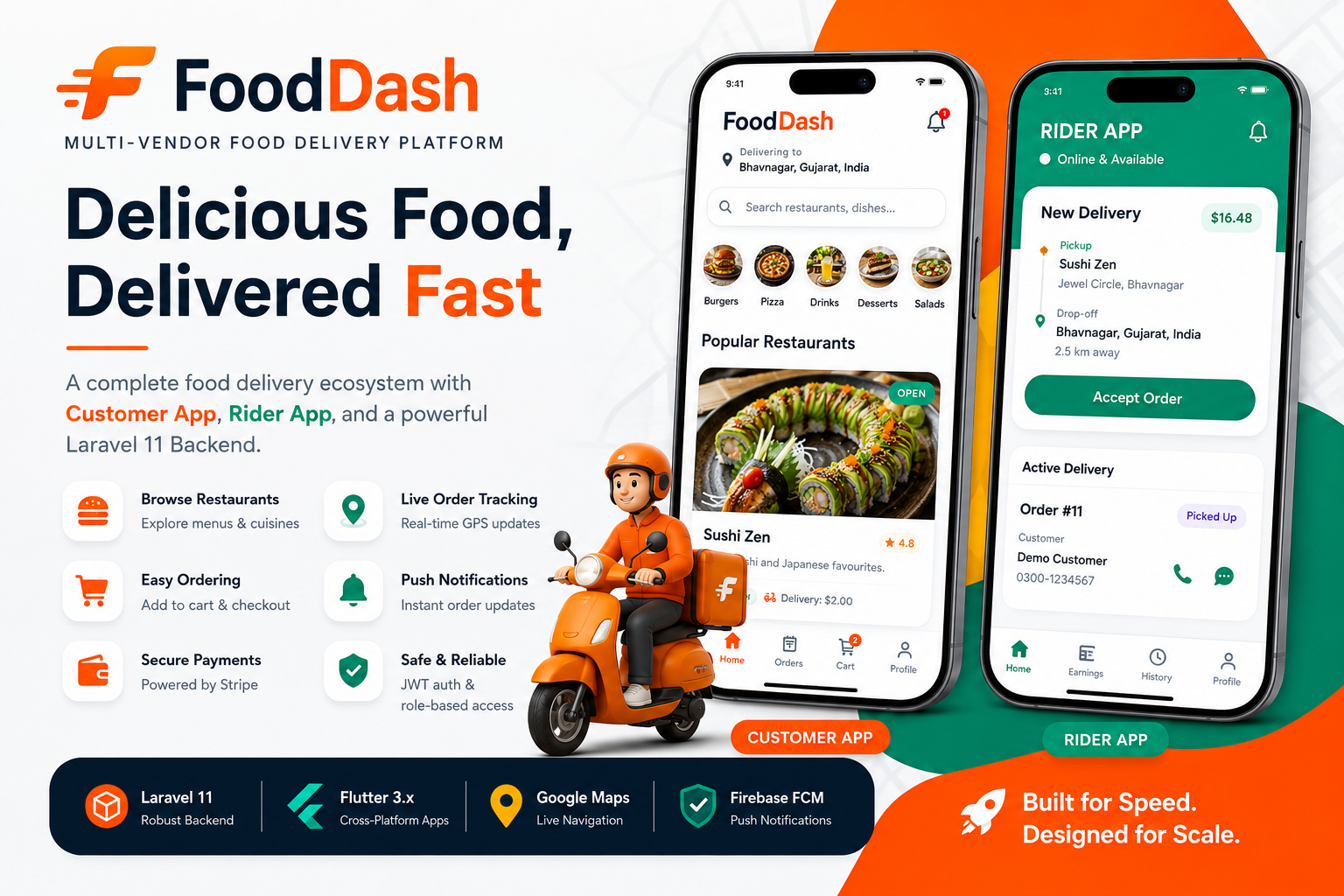
Food Delivery · Android & iOS

FoodDash Customer & Rider Apps

Two connected Flutter apps for a multi-vendor food delivery platform: customers order and follow deliveries, riders accept jobs and navigate, all on a Laravel 11 REST API.

View case study : FoodDash Customer & Rider Apps
  • Tenant workspaces
  • Kanban boards
  • Stripe upgrades
  • JWT auth
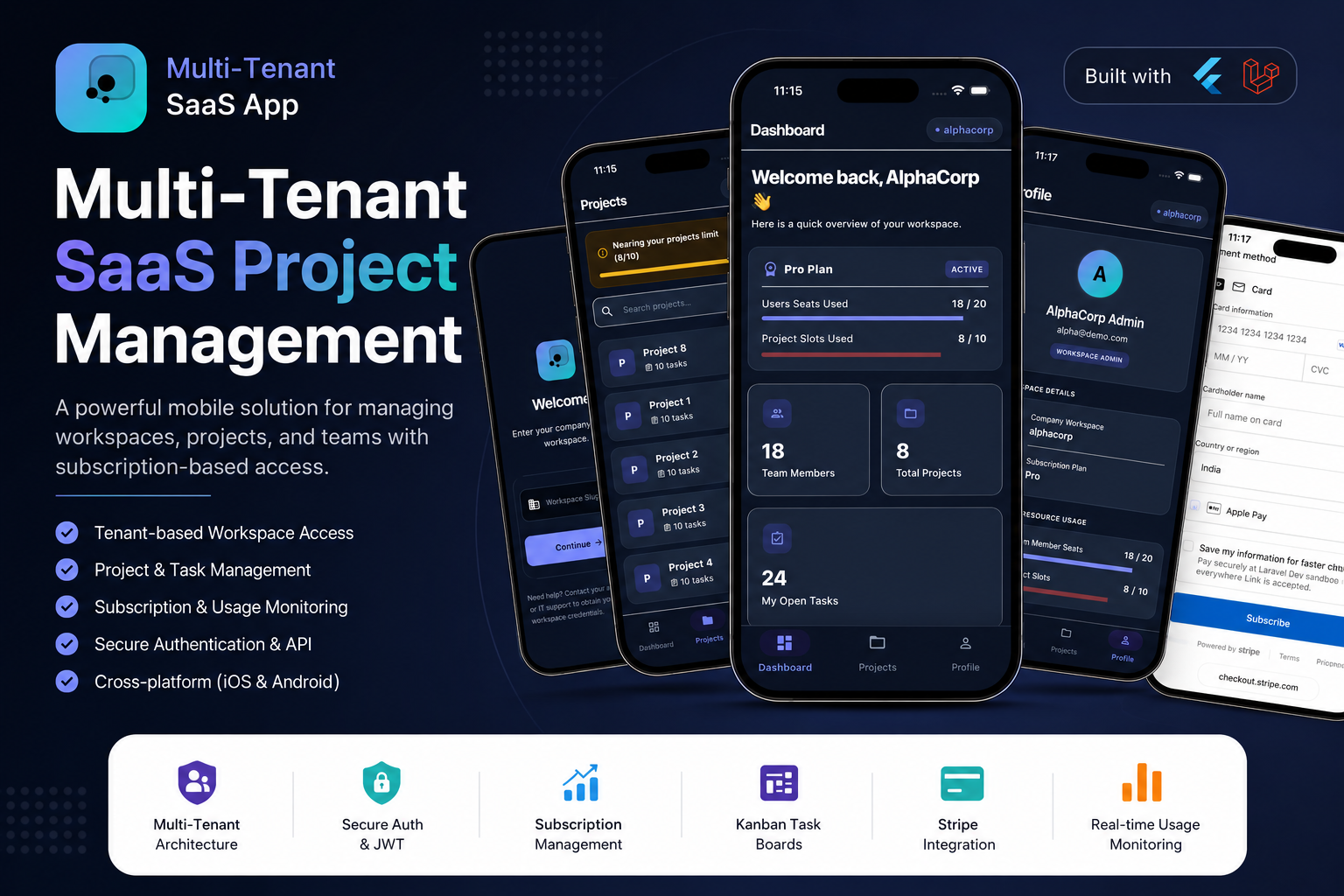
SaaS · Mobile App

Multi-Tenant SaaS Project Management App

A Flutter app for managing projects, tasks and team collaboration in isolated tenant workspaces, backed by a Laravel API with JWT authentication.

View case study : Multi-Tenant SaaS Project Management App
  • Receipt scanning
  • Smart categories
  • Finance chat
  • Budget tracking
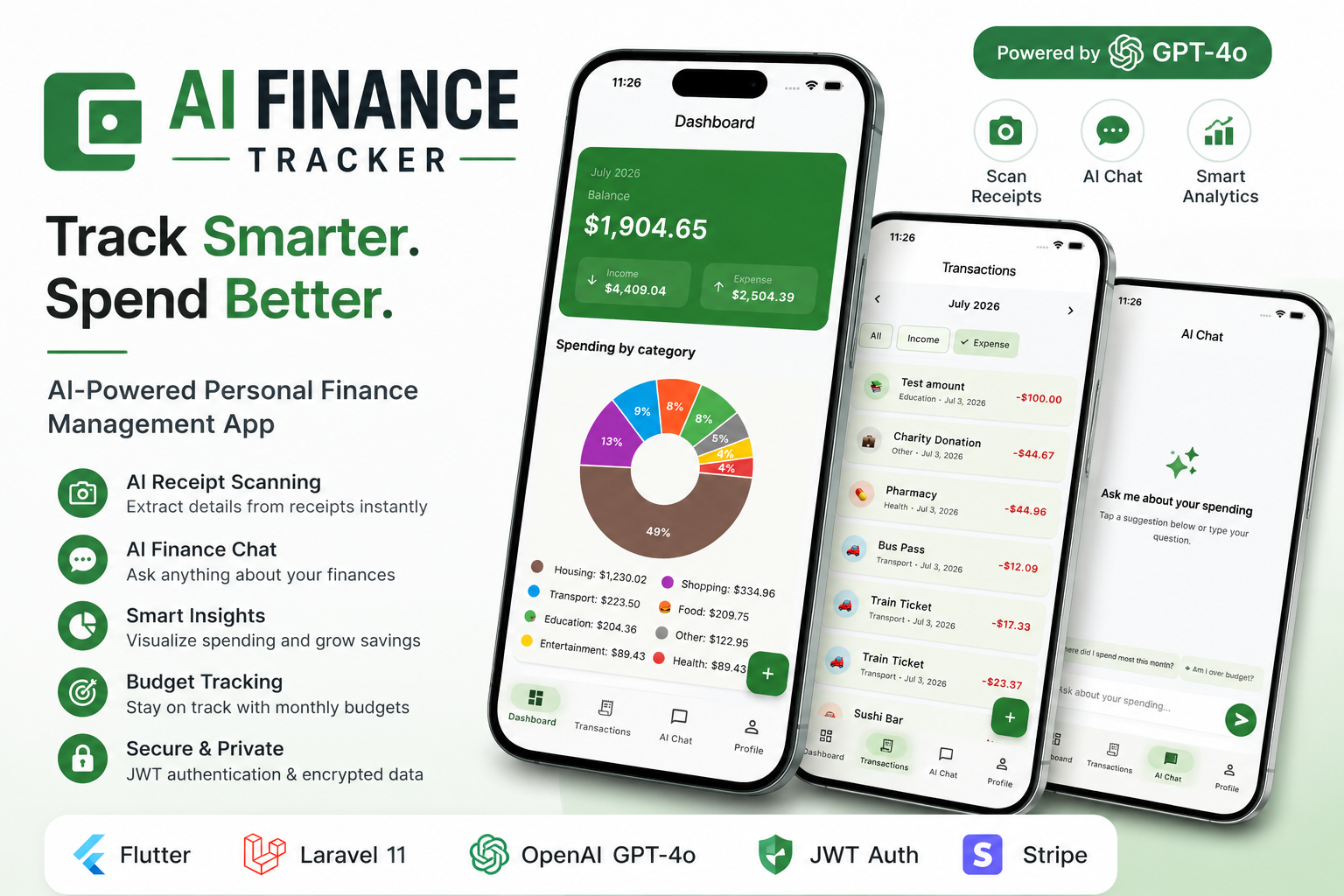
Fintech · Mobile App

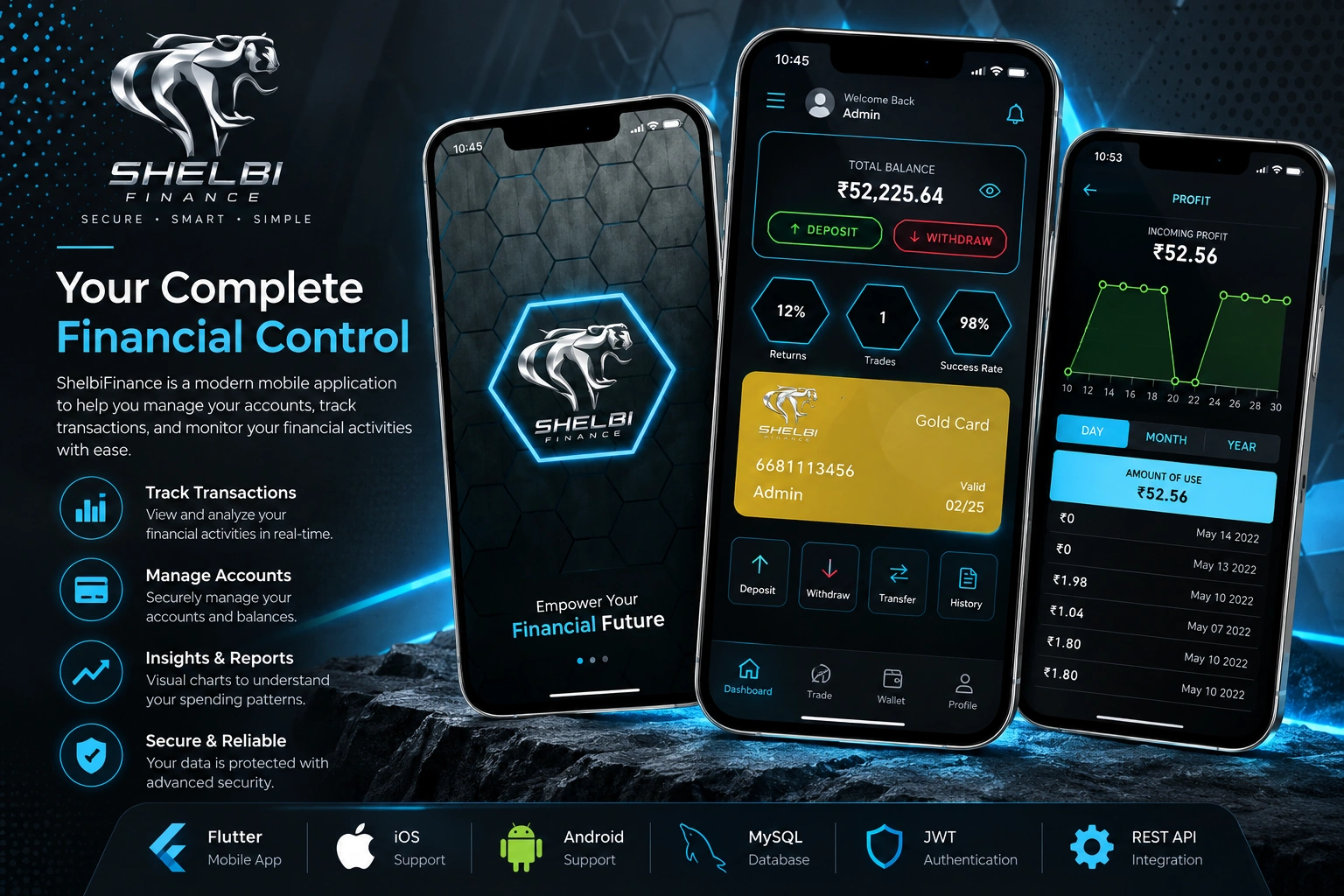
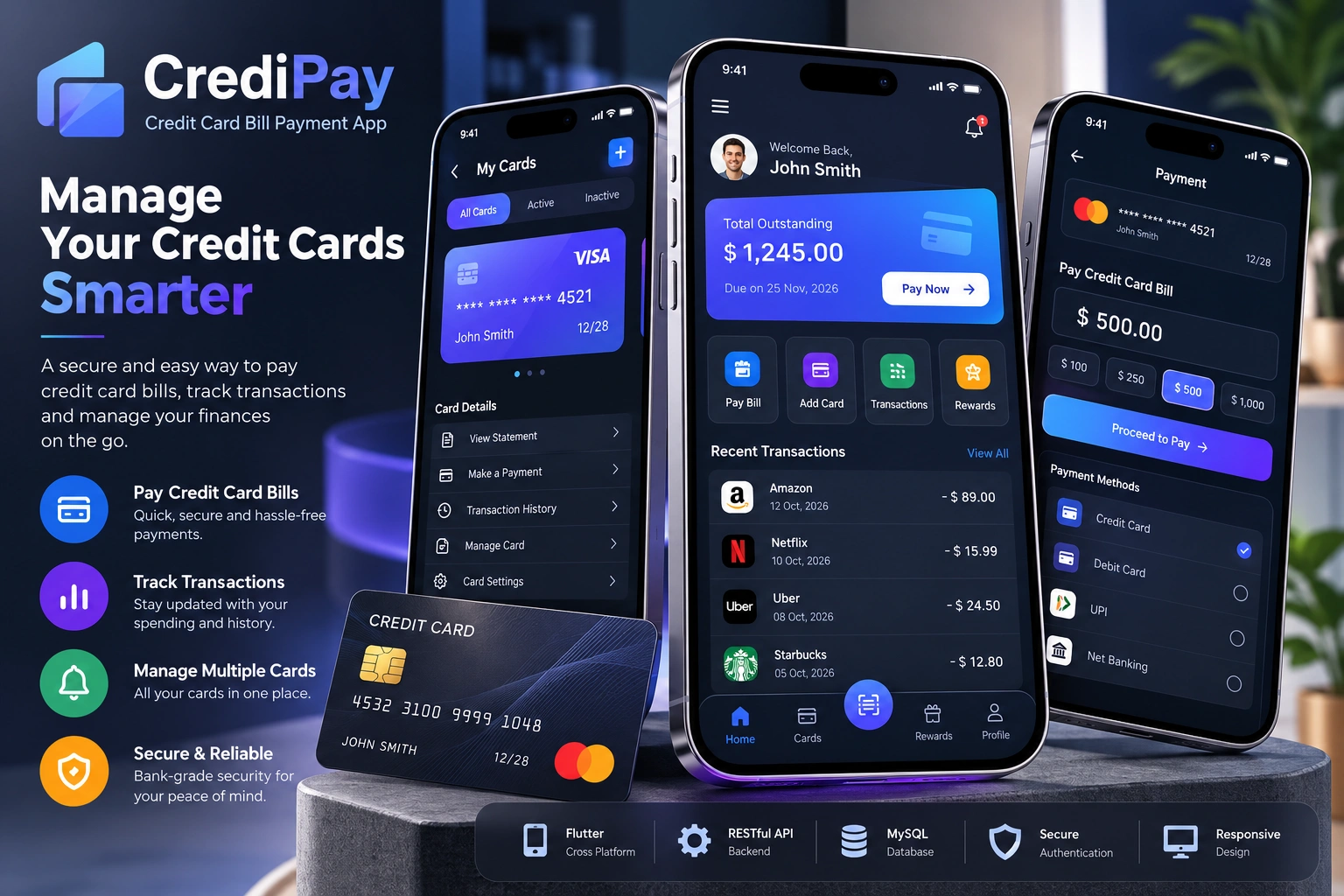
AI-Powered Personal Finance Tracker

A Flutter app for tracking income, expenses and budgets, using a Laravel API and OpenAI GPT-4o for receipt scanning and transaction categorization.

View case study : AI-Powered Personal Finance Tracker
Start Your Project

Planning an app for both iPhone and Android?

Tell us who will use the app and what it must connect to. We will recommend whether Flutter is the right fit and outline a first release scope with you.

FAQ

Flutter app development FAQs

Will a Flutter app feel native on iOS and Android? +

Flutter compiles to native ARM code and renders at high frame rates, so well-built apps feel smooth on both platforms. Where users expect platform conventions, such as navigation gestures, date pickers or system dialogs, we adapt those per platform while keeping the rest of the UI shared.

Can Flutter use device features and third-party native SDKs? +

Yes. Camera, location, biometrics, Bluetooth and push notifications are covered by mature plugins. When a payment, hardware or vendor SDK has no Flutter plugin, we write a thin platform channel in Swift or Kotlin and call it from Dart.

Do you build the backend as well as the app? +

Yes. Several of our Flutter apps, including FoodDash and the AI-powered finance tracker, run on a Laravel REST API we built alongside the app, with JWT authentication and push notifications. We can also connect the app to your existing API or Firebase project.

Can a Flutter app work offline? +

Yes, when the use case needs it. We cache data on the device with local storage such as SQLite (via drift) or Hive, queue changes made offline and sync them with the API once the connection returns, using conflict rules agreed with you up front.

Another team started our Flutter app. Can you finish it? +

Yes. We start with a code review covering Flutter and package versions, null safety, state management and build setup, then fix release blockers first. After that we continue with upgrades and new features in planned sprints.

Will the repository, store accounts and signing keys be ours? +

You do. We recommend that the repository, the Apple and Google developer accounts and the signing keys sit with your business; we work inside them with the access you grant, so you can move the app to another team later.

Case Studies

Related Projects