iOS App Development

iOS app development services for native iPhone and iPad apps built in Swift and SwiftUI.

SofttechOver builds native iOS apps for products that live mainly on Apple devices or rely on Apple frameworks such as Face ID, Apple Pay and HealthKit. We design to Apple's Human Interface Guidelines, connect the app to your backend and prepare it for App Store review.

Swift · SwiftUI

Built on Apple's own frameworks, not around them.

Face ID & Sign in with Apple

Offline data with SwiftData

TestFlight to App Store release

About The Service

Who native iOS development is for

Product teams launching iOS-first, companies adding an iPhone app to an existing web platform, and businesses with an older Objective-C or UIKit app that needs modernizing.

Every build is done in Xcode with Swift and SwiftUI, with one accountable team from discovery to release.

Product & UX Discovery

Screen flows and clickable prototypes shaped by Apple's Human Interface Guidelines, Dynamic Type and accessibility before coding starts.

Swift Engineering

SwiftUI views, async/await networking, Keychain storage and XCTest unit tests, structured so new features do not destabilize old ones.

Release Discipline

TestFlight builds at each milestone, testing across iPhone and iPad screen sizes, and App Store Review preparation before submission.

Native vs Cross-Platform

When native iOS app development is the right choice

Native Swift fits when the iPhone experience is the product. For iOS and Android from one codebase, compare our Flutter and React Native services; for an Android-first product, see Android app development.

Heavy Apple Framework Use

HealthKit, Core Bluetooth, Apple Pay, widgets and Live Activities are written directly against Apple's SDKs, with no plugin or bridge layer to maintain.

iOS-First Audience

When most of your customers use iPhone, a native app can adopt new iOS features as soon as Apple releases them, without waiting on a framework update.

Performance-Sensitive Screens

Camera capture, media playback, long scrolling lists and animation-heavy interfaces run closest to the hardware in Swift.

An Existing Native App

If your app is already written in Swift or Objective-C, extending it natively avoids a full rewrite and keeps your release history and App Store listing intact.

iOS Development Services

What our iOS app development services cover

Native iPhone & iPad Apps

New apps in Swift and SwiftUI with layouts adapted for iPhone and iPad, Dark Mode, Dynamic Type and VoiceOver support.

Apple Framework Integration

Push notifications via APNs, Sign in with Apple, Apple Pay, StoreKit in-app purchases, MapKit and HealthKit, wired to your app's real use cases.

Widgets & Apple Watch Extensions

Home Screen widgets, Live Activities and watchOS companion apps that share data and logic with the main iPhone app.

Backend & API Integration

Connection to REST or GraphQL APIs with secure token storage and offline caching, or a new Laravel API built alongside the app.

Objective-C & UIKit Modernization

Gradual migration of older apps to Swift and SwiftUI, screen by screen, while the existing app stays live and keeps receiving updates.

App Store Release & Maintenance

App Store Connect setup, signing, privacy details and review submissions, plus yearly testing against new iOS versions.

Work Showcase

Mobile apps we have built that run on iPhone

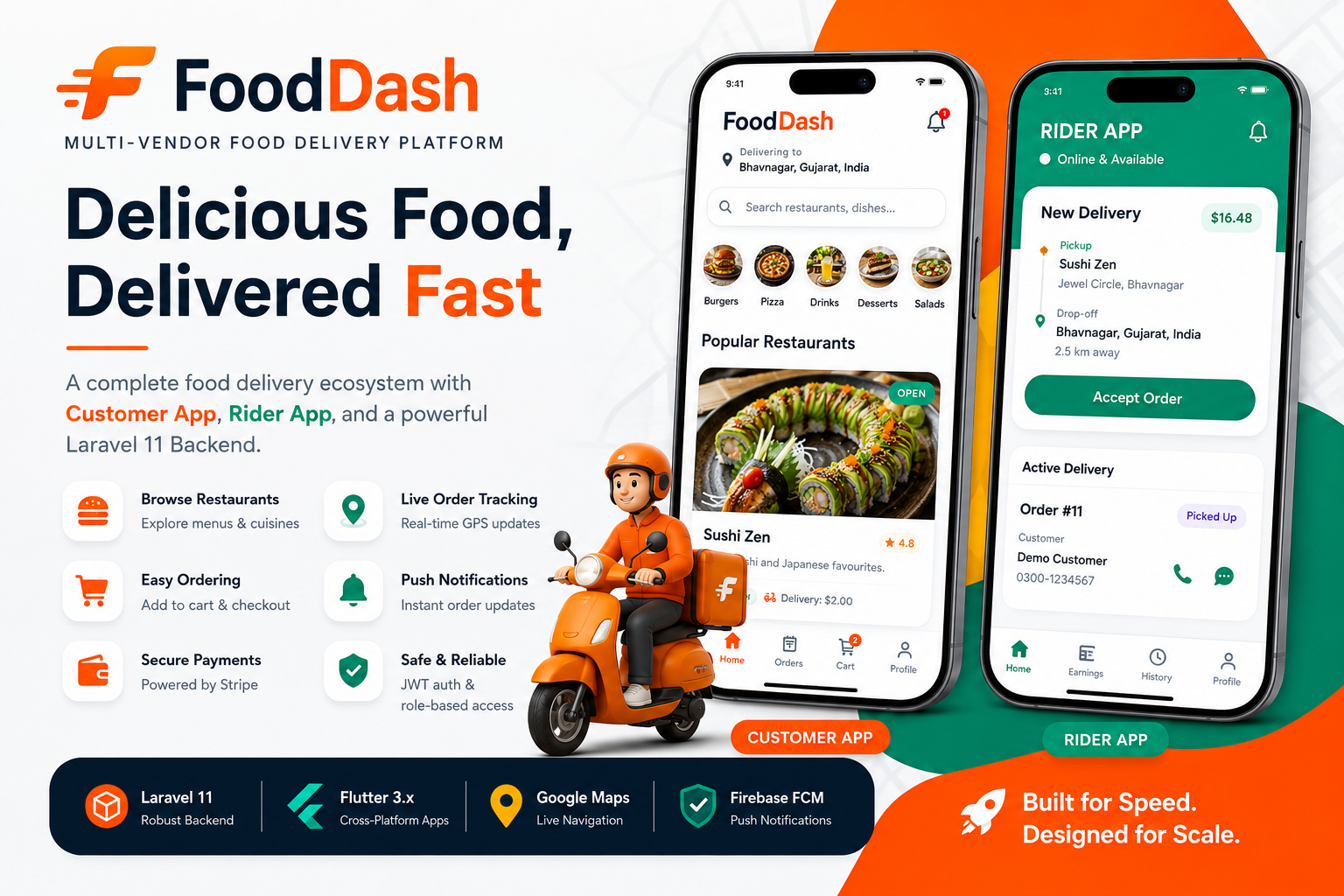
These are cross-platform builds that ship to iPhone as well as Android. They cover iOS-side essentials such as secure sign-in, payments and API integration, and native Swift builds follow the same TestFlight-to-App Store release process.

  • Product listings
  • Real-time chat
  • Order management
  • Stripe Connect
Marketplace · iOS & Android

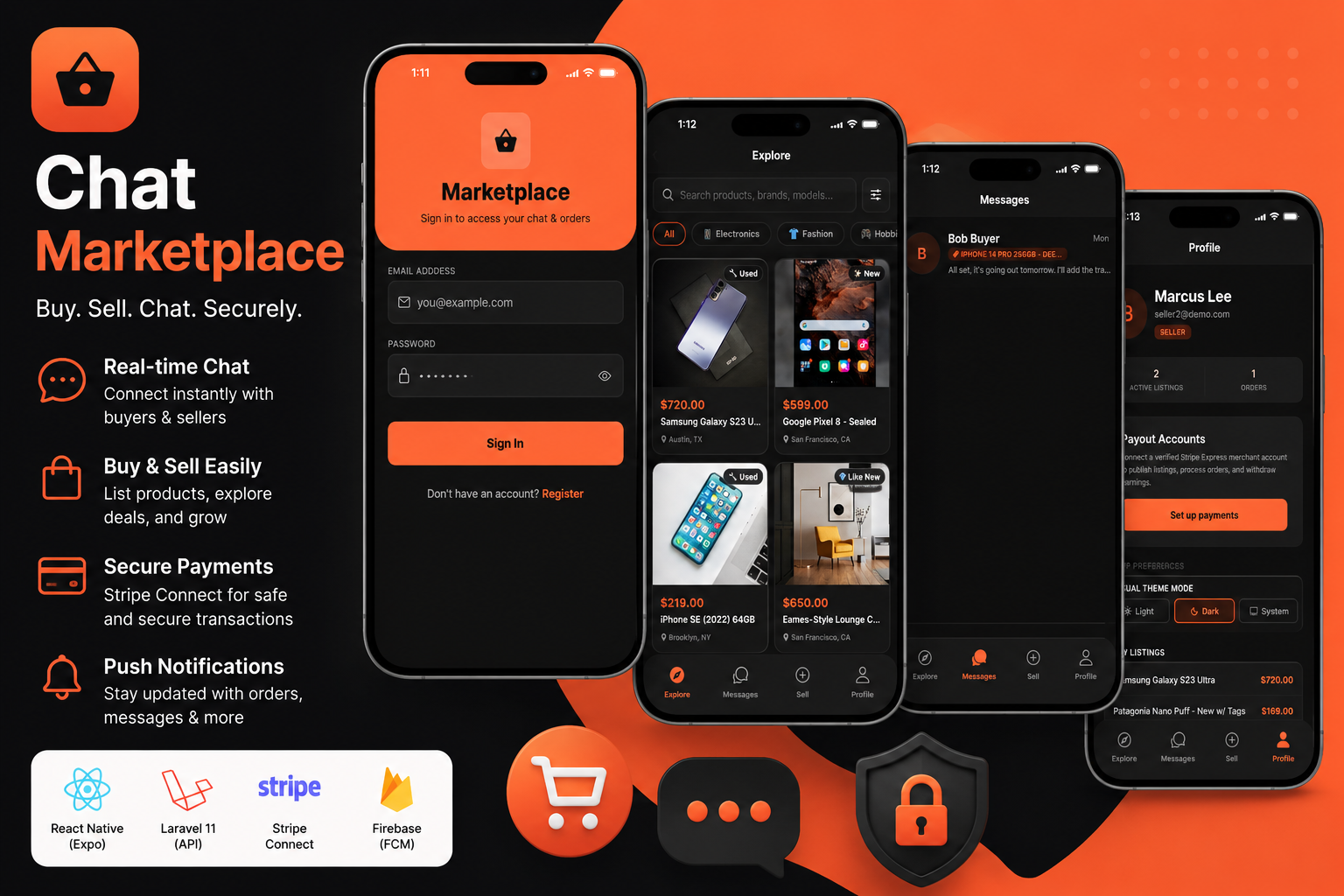
Chat Marketplace App

Buyers and sellers on iPhone discover products, create listings, chat in real time and pay through Stripe Connect; the same React Native codebase ships the Android version on a Laravel API.

View case study : Chat Marketplace App
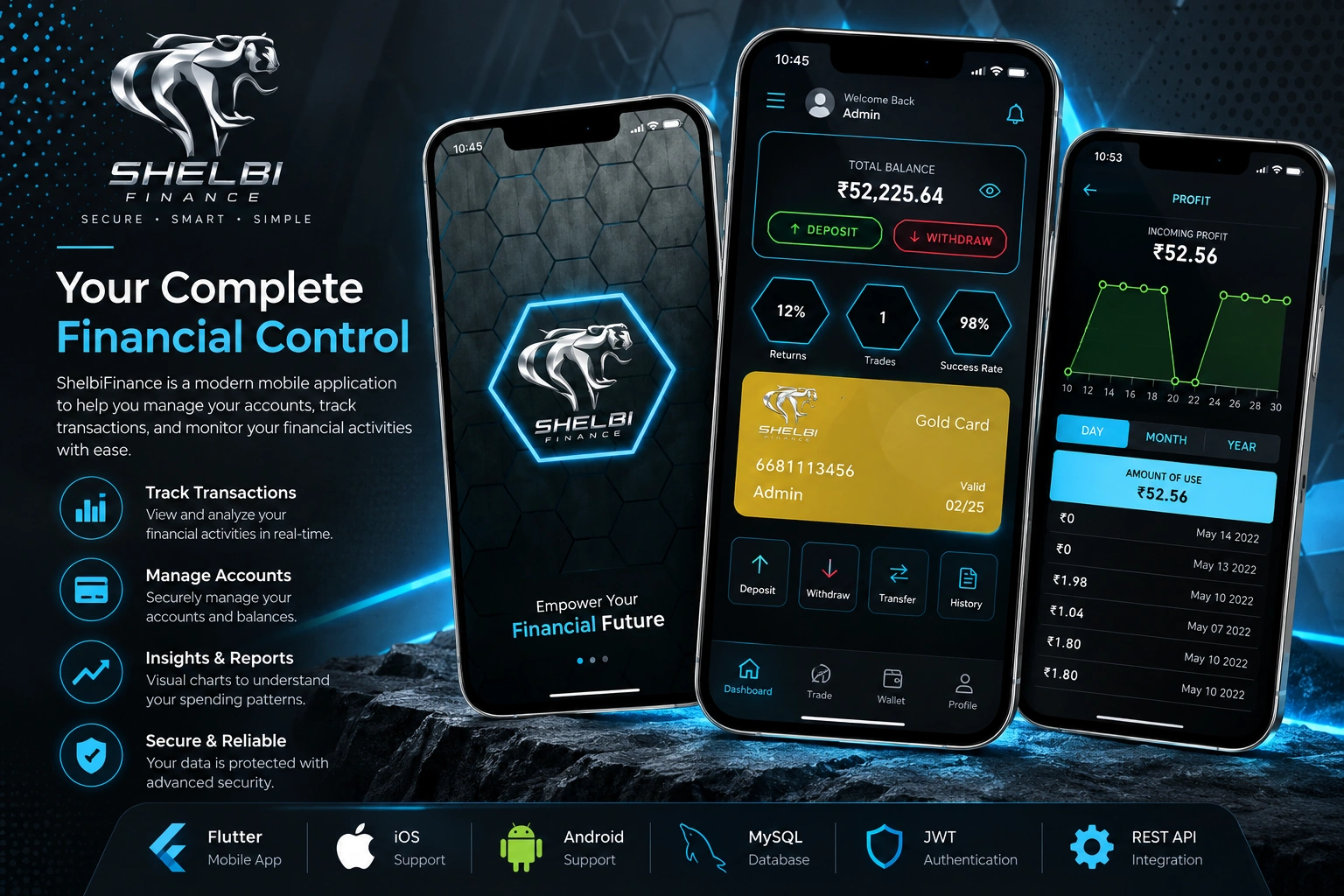
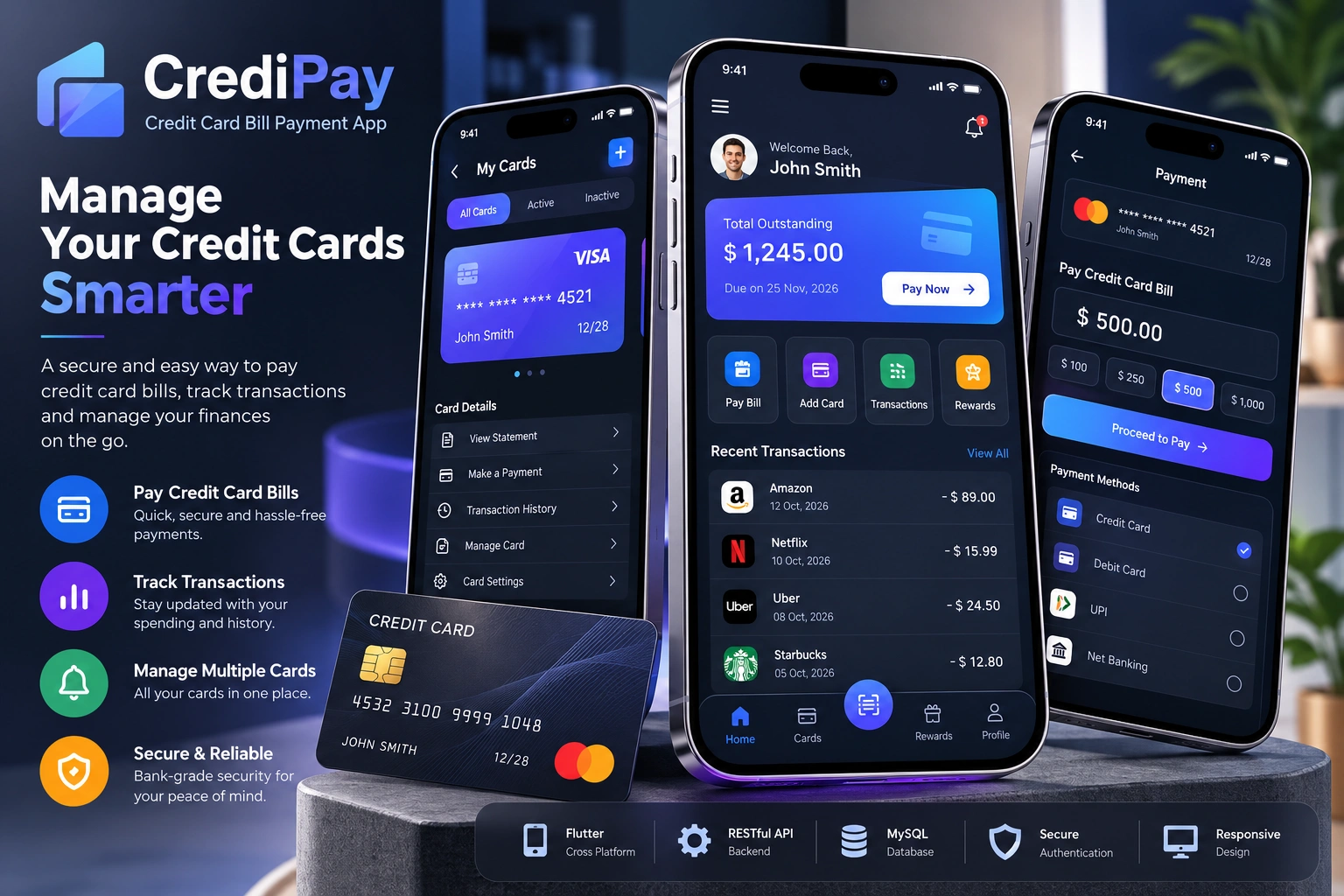
  • Secure account access
  • Finance dashboards
  • Transaction monitoring
Personal Finance · iOS & Android

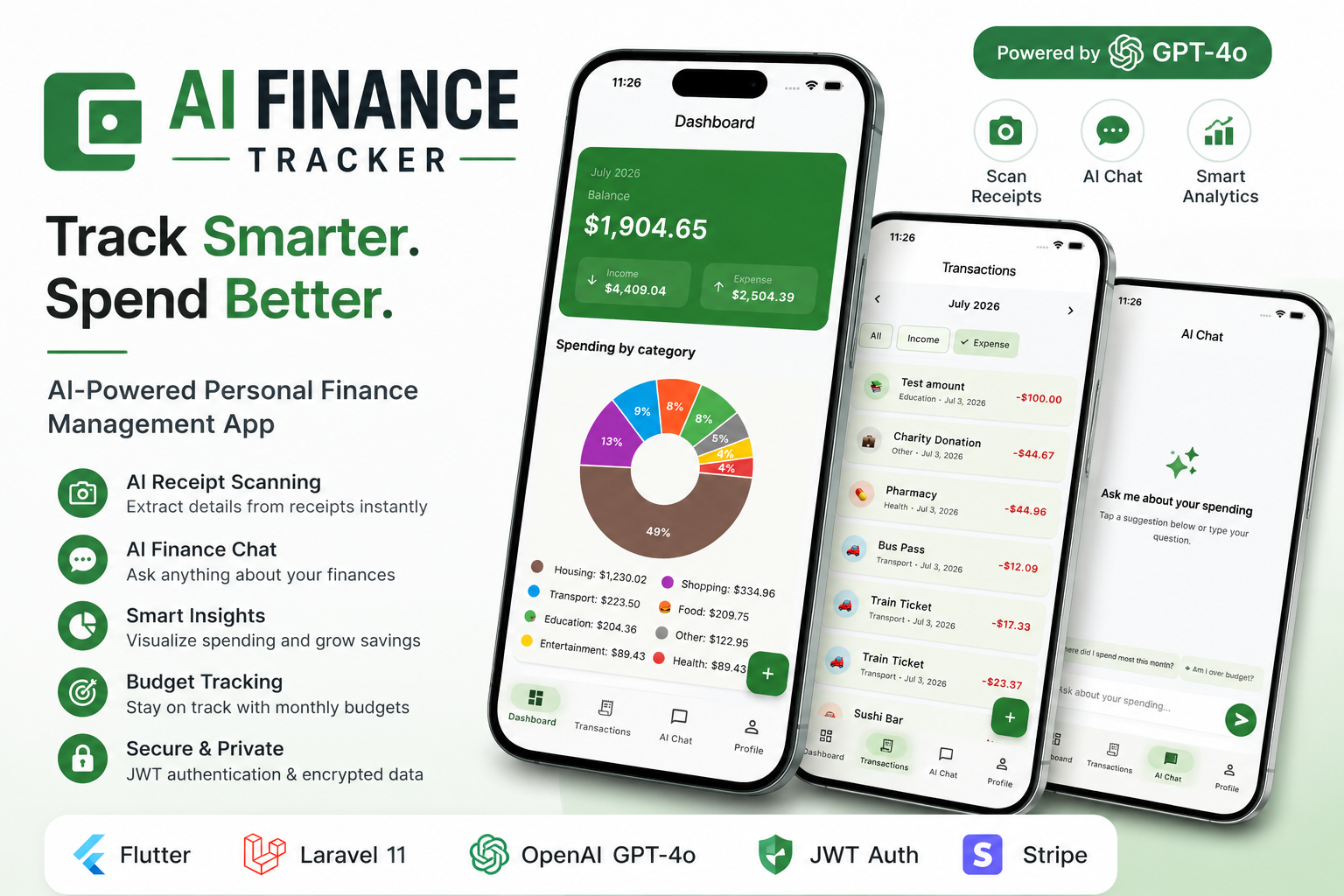
ShelbiFinance

A Flutter personal finance app for iPhone and Android with secure account access, interactive financial dashboards and transaction monitoring in a clean, fast interface.

View case study : ShelbiFinance
Start Your iOS Project

Planning an iPhone or iPad app, or improving one that already exists?

Share your idea, your current app or your App Store rejection notes. We will review the scope, advise whether native Swift or a cross-platform build suits it better, and outline a release plan.

FAQ

iOS app development FAQs

Should we build natively in Swift or use Flutter or React Native? +

Choose native Swift when the app is iOS-first, relies heavily on Apple frameworks such as HealthKit, widgets or Apple Pay, or needs the smoothest camera and animation performance. If you need iOS and Android at launch from one codebase, Flutter or React Native is usually the better fit. We recommend one after reviewing your feature list.

Do you build with SwiftUI or UIKit? +

New screens are built in SwiftUI by default, because it needs less UI code and handles Dark Mode, Dynamic Type and previews well. We use UIKit where a component or an older iOS version requires it. Both can live in the same app, which is how we modernize existing UIKit projects screen by screen.

Which iOS versions will the app support? +

We agree the minimum iOS version during planning, based on your audience and the frameworks your features depend on. Newer APIs such as SwiftData require recent iOS versions, so this decision affects both scope and testing effort.

Do you handle App Store submission and review? +

Yes. We set up App Store Connect, signing certificates and provisioning profiles, share TestFlight builds for your feedback, and prepare screenshots, privacy details and review notes. If Apple rejects a build, we address the cited guideline and resubmit.

Can the iOS app work with our existing backend? +

Yes. The app connects to your REST or GraphQL APIs using your existing authentication, and we add offline caching for screens users need without a connection. If an endpoint is missing, we specify it with your team or build it on the server side.

Who owns the source code and the App Store listing? +

You do. We recommend publishing under your own Apple Developer account, and the full Xcode project, source repository and documentation are handed over to you.

How do you keep the app working after each new iOS release? +

Apple releases a major iOS version every year, so we test against the betas, fix compatibility issues and keep SDKs and privacy declarations current. Ongoing work can also cover crash monitoring, new features and App Store updates.

Case Studies

Related Projects