
Why AI Coding Assistants Matter
Modern software development is becoming more complex with APIs, microservices, testing, security, and AI integrations.
AI coding assistants now help developers:
Write code faster
Debug issues
Generate tests
Refactor projects
Review pull requests
Reduce repetitive work
Today, AI acts like a second developer on many teams.
Quick Overview
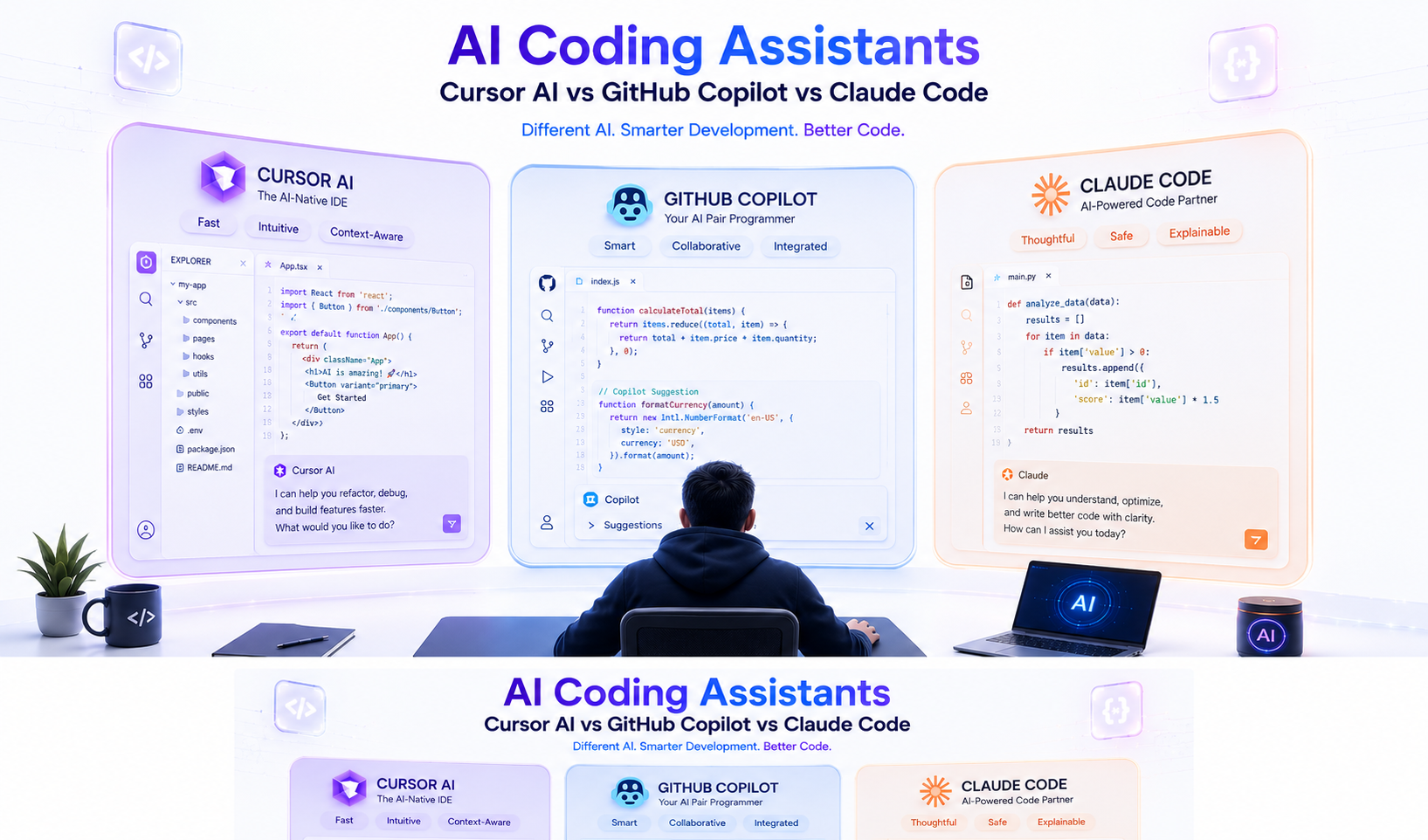
Cursor AI
Cursor is an AI-first code editor built around AI-assisted development.
Best For:
Large repositories
Agent workflows
Multi-file editing
Laravel & SaaS projects
GitHub Copilot
Copilot focuses on fast code completion inside existing IDEs like VS Code and JetBrains.
Best For:
Fast coding
CRUD operations
Enterprise adoption
Beginner-friendly workflows
Claude Code
Claude Code behaves more like a senior engineering assistant than an autocomplete tool.
Best For:
Architecture discussions
Deep debugging
Refactoring
Complex systems
Feature Comparison
| Feature | Cursor AI | GitHub Copilot | Claude Code |
|---|---|---|---|
| Code Completion | Excellent | Excellent | Good |
| Large Codebase Support | Excellent | Good | Excellent |
| Agent Workflows | Excellent | Limited | Excellent |
| Debugging | Excellent | Good | Excellent |
| Refactoring | Excellent | Good | Excellent |
| Architecture Reasoning | Good | Moderate | Excellent |
| Enterprise Adoption | Growing | Very High | Growing |
Biggest Trend in 2026
AI is moving beyond autocomplete.
Developers now use AI agents to:
Build features
Generate tests
Review PRs
Update documentation
Analyze repositories
Cursor and Claude currently lead in this area.
Cursor AI
Cursor is rapidly growing because it can understand and modify entire repositories.
Where It Excels
SaaS applications
Laravel development
Refactoring large systems
Multi-file code generation
Great For Laravel
Eloquent models
Controllers
Queues
Events
API Resources
Multi-tenant SaaS apps
GitHub Copilot
Copilot remains the safest enterprise choice.
Why Teams Use It
Easy adoption
GitHub integration
Familiar IDE workflow
Strong autocomplete
Best Use Cases
CRUD coding
Unit tests
Helper functions
Small to mid-size projects
Claude Code
Claude shines in reasoning-heavy engineering work.
Where It Excels
Production debugging
Architecture planning
Microservices
Performance analysis
AI system design
Many developers use Claude like an on-demand senior engineer.
Productivity Impact
Most teams report:
Copilot → Faster coding
Claude → Better engineering decisions
Cursor → Highest overall development speed
Cost Comparison
| Tool | Cost Level | Best For |
|---|---|---|
| GitHub Copilot | Lower | Individual developers |
| Cursor AI | Moderate | SaaS teams |
| Claude Code | Moderate | Senior developers |
| Enterprise Plans | Higher | Large organizations |
Engineering productivity matters more than subscription pricing.
Best Choice for Laravel Developers
Cursor AI (Recommended)
Best overall for:
Repository awareness
Multi-file editing
Refactoring
Agent workflows
Claude Code
Excellent for:
Architecture
Debugging
Complex reasoning
Copilot
Still useful for:
Daily coding
Junior developers
Small projects
Common Mistakes
Choosing Only by Price
Productivity matters more than monthly cost.
Ignoring Workflow Fit
Different teams need different tools.
Expecting AI to Replace Developers
AI improves speed, not engineering judgment.
Future of AI Coding
The next wave includes:
Autonomous coding agents
AI code reviews
Self-healing systems
Automated deployments
AI-driven architecture planning
AI tools are becoming engineering teammates.
Decision Framework
Choose Cursor AI If:
You build SaaS products
You work with large repositories
You want maximum productivity
Choose GitHub Copilot If:
Your team already uses GitHub
You want easy adoption
You need enterprise governance
Choose Claude Code If:
Architecture matters
You debug complex systems
You need deep engineering reasoning
FAQs
Which AI coding assistant is best in 2026?
Cursor AI currently offers the best balance for most SaaS teams.
Is GitHub Copilot still worth it?
Yes, especially for fast coding and simple adoption.
Does Claude produce better code?
In complex scenarios, Claude often provides stronger reasoning and debugging support.
Can teams use multiple tools together?
Yes. Many teams combine Copilot, Cursor, and Claude for different workflows.
Are AI tools replacing developers?
No. Human oversight and engineering decisions are still essential.
Conclusion
AI coding assistants are no longer just autocomplete tools.
GitHub Copilot → Best enterprise adoption
Claude Code → Best engineering reasoning
Cursor AI → Best overall productivity
For SaaS startups and Laravel teams, Cursor currently provides the strongest all-around experience.
The real advantage comes from building workflows where AI enhances every engineer’s productivity.
CTA
Looking to accelerate development with AI-powered workflows?
Softtechover helps startups integrate AI coding tools, optimize development velocity, and build scalable SaaS products faster.