
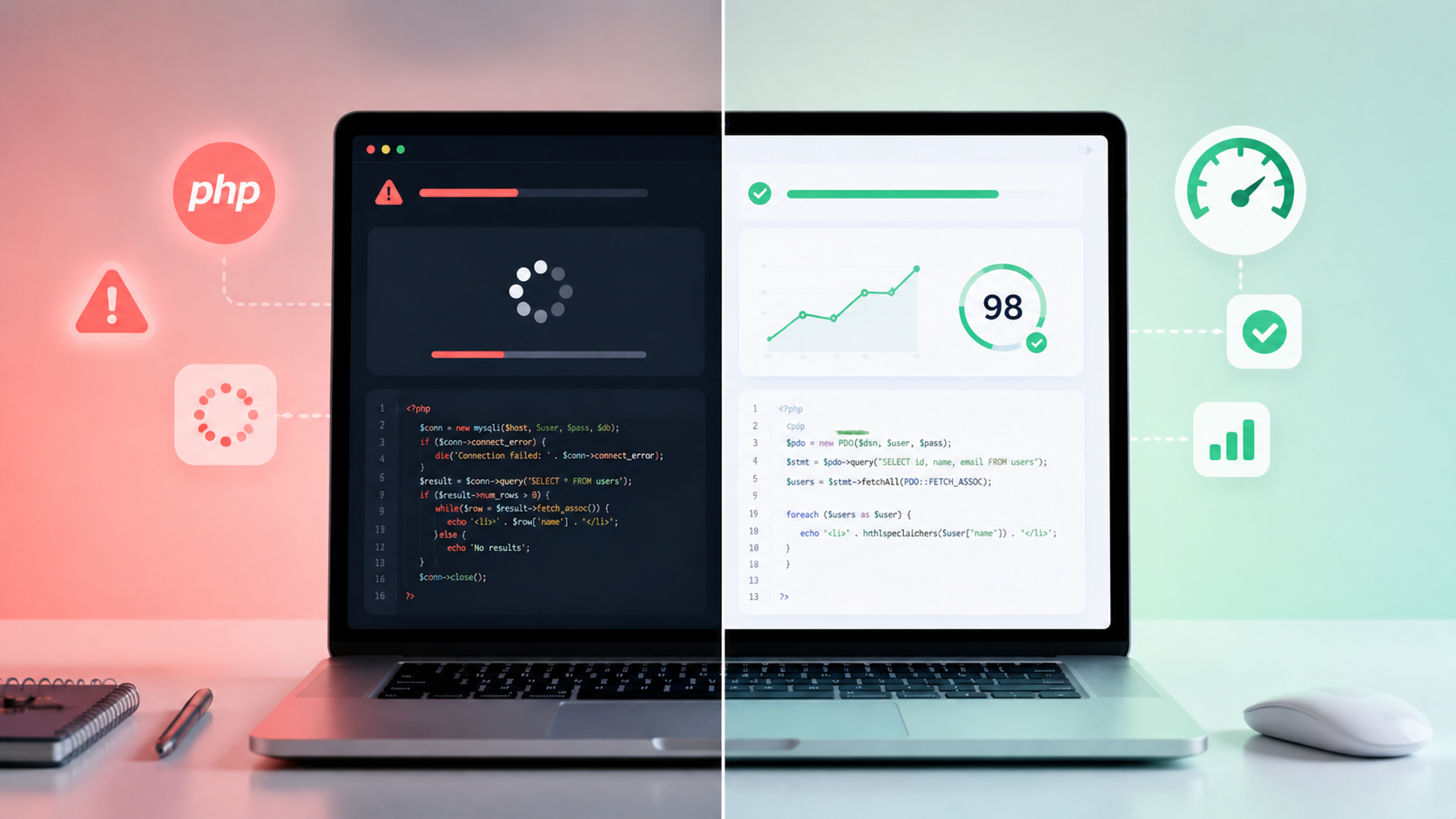
If your web application feels slow, users will leave before it even loads properly. In 2026, performance is not optional. If you're trying to make php app faster, you need to identify real bottlenecks and apply proven fixes.
In this guide, we’ll walk through 12 practical fixes that our clients use to improve PHP application performance, based on real-world projects and optimization strategies.
Quick Summary
- Slow PHP apps are usually caused by database or server issues
- Caching can improve speed significantly
- Optimized queries reduce load time
- Code structure and hosting matter
- Regular monitoring is essential
Why PHP Apps Become Slow
Before fixing performance, it’s important to understand the common causes:
- Unoptimized database queries
- No caching mechanism
- Poor hosting configuration
- Large file sizes
- Inefficient code
12 Fixes to Make PHP App Faster
1. Use Caching
Caching reduces server load and speeds up response time.
- Use Redis or Memcached
- Cache database queries
2. Optimize Database Queries
Avoid unnecessary queries and use indexing.
User::select('id','name')->get();3. Enable OPcache
OPcache improves PHP execution speed.
- Enable in php.ini
- Reduces script compilation time
4. Use CDN
Content Delivery Network helps deliver assets faster.
- Faster loading globally
- Reduces server load
5. Minimize HTTP Requests
Reduce the number of files loaded.
- Combine CSS/JS files
- Use lazy loading
6. Optimize Images
Large images slow down apps.
- Compress images
- Use modern formats like WebP
7. Upgrade PHP Version
Latest PHP versions are faster and more secure.
- PHP 8+ recommended
- Better performance
8. Use Queue System
Handle background tasks efficiently.
- Use Laravel queues
- Avoid blocking requests
9. Optimize Autoloading
Improve class loading speed.
composer dump-autoload -o10. Reduce Middleware
Too many middleware slow down requests.
- Remove unnecessary layers
- Optimize request flow
11. Use Efficient Hosting
Choose high-performance hosting.
- SSD servers
- Managed hosting
12. Monitor Performance
Use tools to track performance issues.
- New Relic
- Laravel Telescope
- Debug tools
Performance Comparison Table
| Optimization | Impact |
|---|---|
| Caching | High |
| DB Optimization | High |
| CDN | Medium |
| Code Cleanup | Medium |
Checklist Before Deployment
- Enable caching
- Optimize database
- Compress assets
- Use CDN
- Monitor performance
Real Case Study
A client had a PHP-based e-commerce website with slow loading times (5+ seconds). After implementing caching, optimizing queries, and upgrading hosting, the load time was reduced to under 2 seconds, improving user experience and conversions.
FAQ
Q1: What is the main reason PHP apps are slow?
Database queries and lack of caching.
Q2: Does upgrading PHP improve speed?
Yes, newer versions are faster.
Q3: Is caching necessary?
Yes, it significantly improves performance.
Q4: Can hosting affect performance?
Yes, poor hosting slows down applications.
Conclusion
Improving PHP application performance in 2026 requires a combination of smart optimization techniques. By applying these 12 fixes, you can significantly improve speed, user experience, and overall system efficiency.
CTA
Want to make your PHP app faster? Get a 30-minute free consultation to optimize your application performance.