
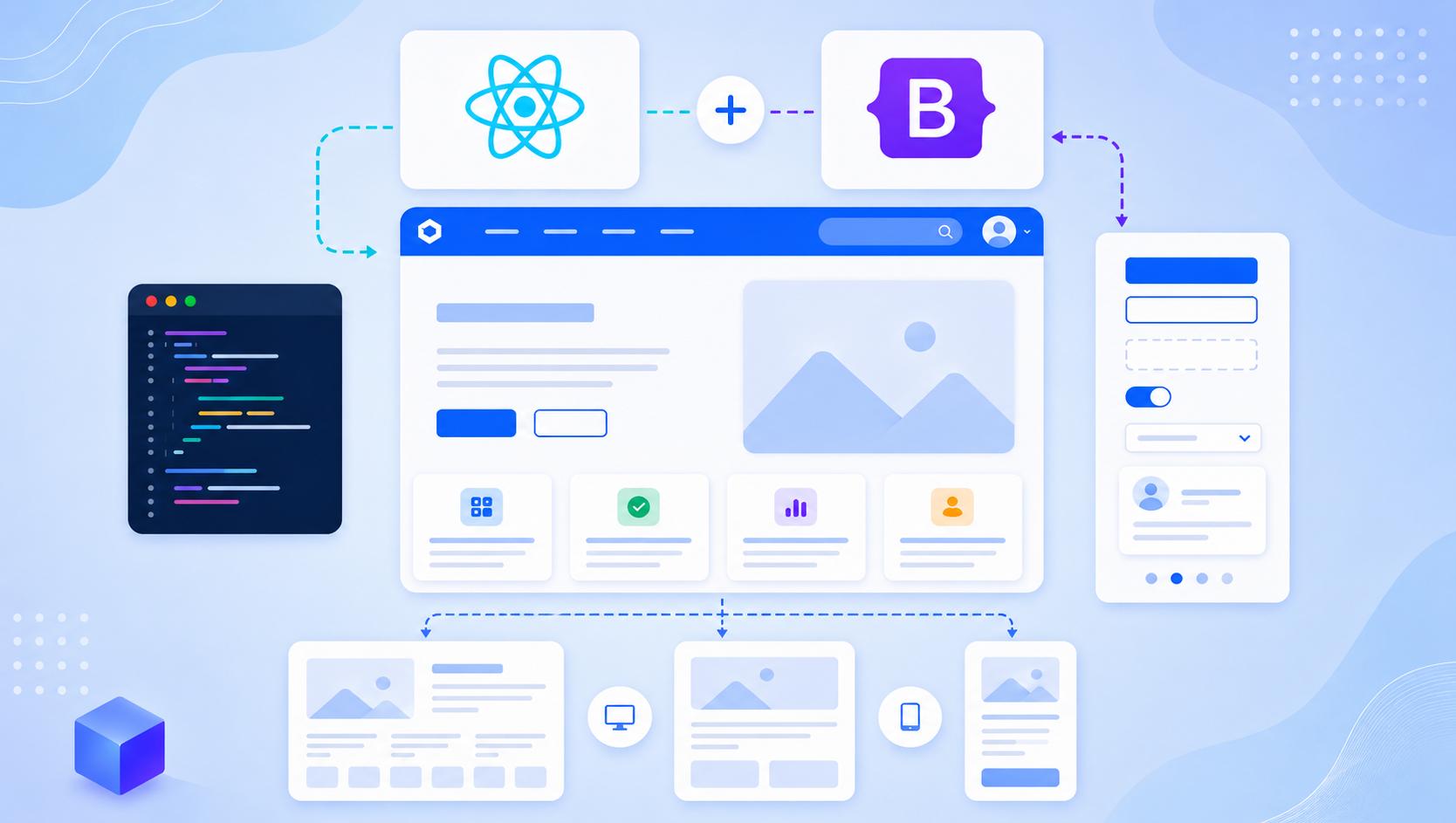
Before you start I assumed you have install node js in your system and react js app required Node >= 8.10 and npm >= 5.6
Step 1: Open your terminal.
In this first step open your terminal OR simply press Ctrl + Alt + T and add below code to your terminal.
git clone https://github.com/chiragghevariya/Reactjs-with-bootstrpa-template-integration-frontend.gitAfter clone go to your project directory and install node module add below command to your terminal.
npm installStep 2: Run your project
To show output of your project add or to start your project add below code to your terminal.
npm startThanks you.