
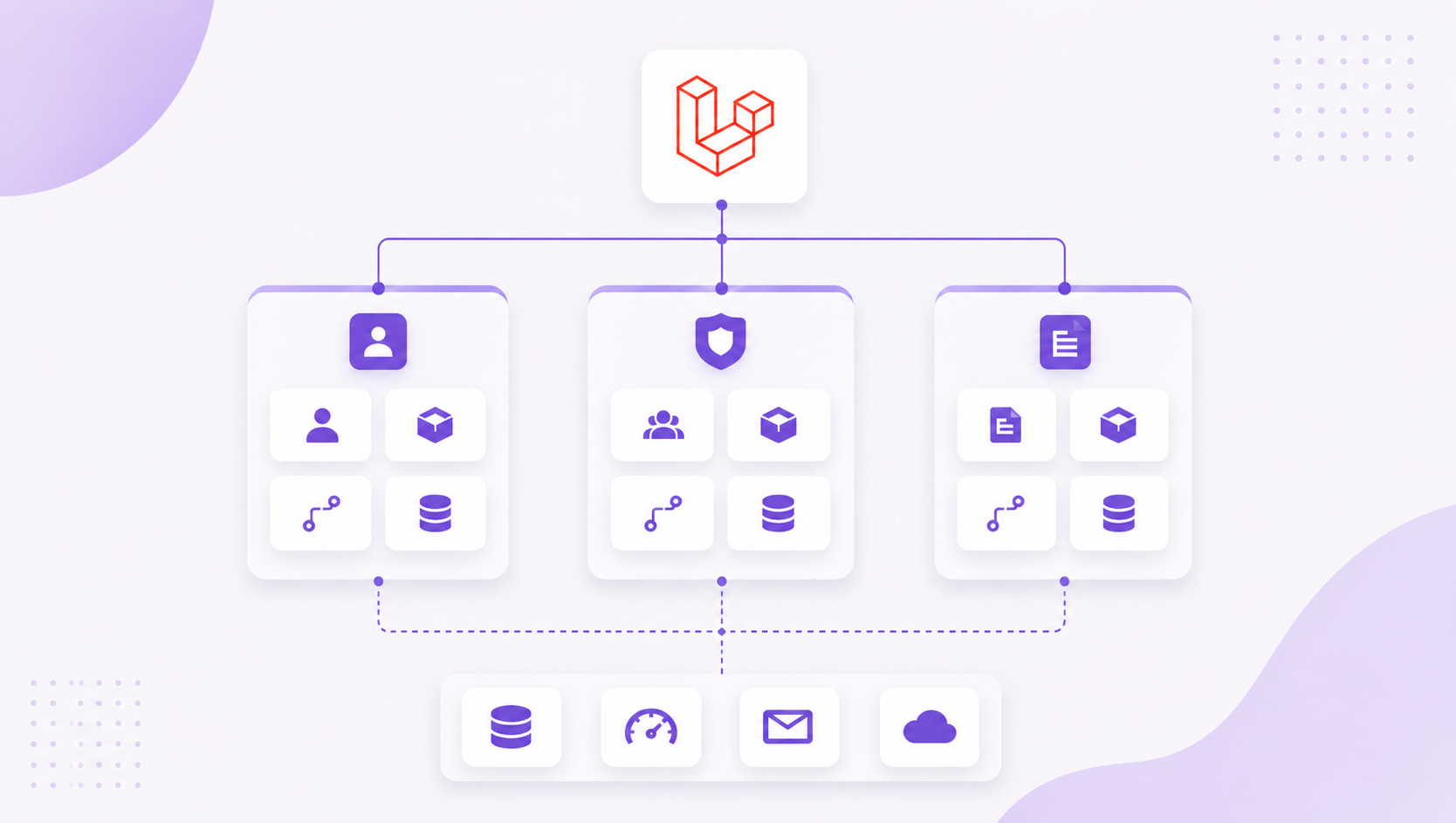
In this post we shown that how to use Nwidart in your Laravel project.
Nwidart is a Laravel package which created to manage your large Laravel app using modules. Module is like a Laravel package, it has some views, controllers or models.
Step 1: Open Terminal in your Laravel Project and install below package.
composer require nwidart/laravel-modules
Step 2: Autoloading of Package in Composer.json
Default, the module classes are not loaded automatically. Autoload your modules using psr-4
{
  "autoload": {
    "psr-4": {
      "App\\": "app/",
      "Modules\\": "Modules/"
  }
}
After that run below command,
Composer dump-autoloadStep 3: Make your first Nwidart Module.
Use below command to create your first Module.
// Here Admin is Module name you can use any appropriate name

php artisan module:make Admin
Step 4: Module Structure
We can see that a new folder "Modules" is created. in that folder we have a folder "Admin". In Admin folder following structure is generated.
├── Admin/
      ├── Config/
      ├── Console/
      ├── Database/
          ├── factories/
          ├── Migrations/
          ├── Seeders/
      ├── Entities/
      ├── Http/
          ├── Controllers/
          ├── Middleware/
          ├── Requests/
      ├── Providers/
          ├── AdminServiceProvider.php
          ├── RouteServiceProvider.php
      ├── Resources/
          ├── assets/
          ├── lang/
          ├── views/
      ├── Routes/
          ├── api.php
          ├── web.php
      ├── Tests/
      ├── composer.json
      ├── module.json
      ├── package.json
      ├── webpack.mix.js
Step 5: Calling View, Lang, Config
For Calling view of Module use this namespace.
// For View call
view('admin::create');
view('admin::layouts.app');

// For Lang call
Lang::get('admin::en.title');
@trans('admin::en.title');

// For Config call
Config::get('admin.name')
Step 6: Artisan Commands
Here are some useful artisan commands
// Migrate Module
php artisan module:migrate Admin

// Migrate All Module (If you not give argument then it will migrate all modules)
php artisan module:migrate

// Rollback Module
php artisan module:migrate-rollback Admin

// Rollback All Module (If you not give argument then it will roll back all module migration)
php artisan module:migrate-rollback

// Make migration in given module
php artisan module:make-migration create_blogs_table Admin

// Make Controller in given module
php artisan module:make-controller BlogController Admin

// Make Model in given module
php artisan module:make-model Blog Admin

// Make middleware in given module
php artisan module:make-middleware ReadBlogMiddleware Admin

// Make Request in given module
php artisan module:make-request BlogRequest Admin

// Make resource in given module
php artisan module:make-resource BlogResource Admin
php artisan module:make-resource BlogResource Admin--collection